Educational Tools and Platforms

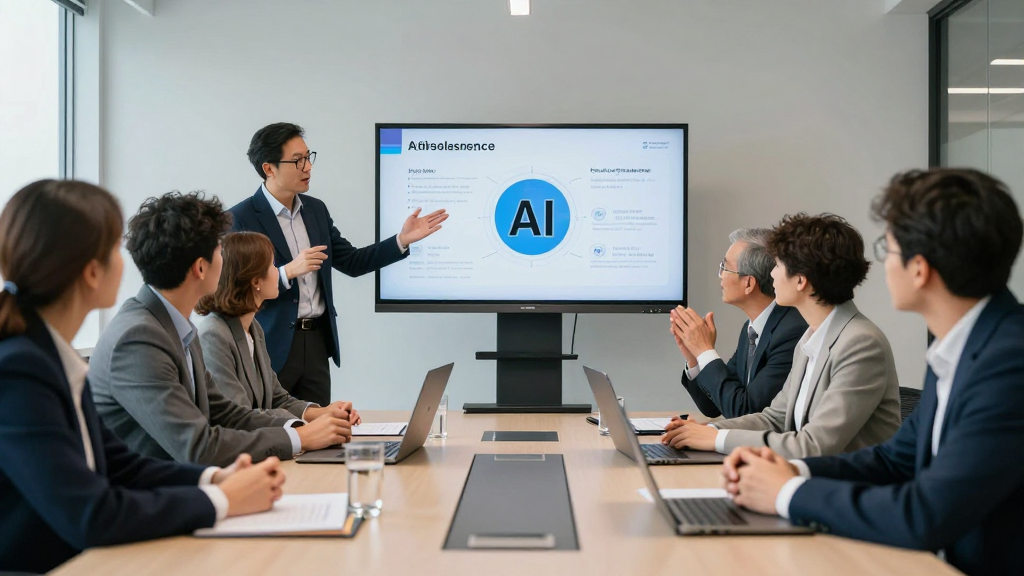
You notice how new educational tools and platforms change your classroom. Almost 65% of teachers use technology every day. They use learning games, videos, and interactive platforms to help students. Sometimes, it is hard to keep every student interested. It can also be tough to go at the right speed for everyone. Online educational tools and platforms let you make activities fit each student. You can check how students are doing and help them stay motivated. There is proof that personalized learning paths work. Students get better test scores, come to class more, and pay more attention.
Think about how you use educational tools and platforms now. Can you think of new ways to help students feel more included and excited to learn?
Key Takeaways
Use adaptive platforms to give each student lessons that match their needs and skills.
Let students pick assignments and learning activities to help them feel interested and in control.
Give instant feedback with tools like auto-grading and classroom response systems so students can get better fast.
Use multimedia and games to help different learning styles and make lessons more enjoyable.
Track student progress with data and help students set goals to keep them motivated and confident.
Adaptive Platforms
Adaptive learning platforms help all students do well. These tools use smart technology to change lessons for each person. You may know platforms like Knewton, 360Learning, and OttoLearn. Here is a quick look at what these platforms give:
| Platform | Key Features | Pricing | User Base / Notes |
|---|---|---|---|
| Knewton | Adaptive, personalized, data-driven | $10.95 per person per month | 23 agreements with major education companies |
| 360Learning | Collaborative learning, AI course creation | Starting at $8 per user/month | No explicit user base data |
| OttoLearn | Microlearning, gamification, analytics | $250/month | No explicit user base data |
Real-Time Feedback
You want students to get help right away. Adaptive platforms use AI to watch how students do lessons. The system checks what students are good at and what is hard. If a student has trouble, the platform tells them to review old material. If a student does well, the platform gives harder work. Real-time feedback helps students learn faster. They do not waste time on things they already know. Students get the right challenge when they need it. You can see who needs more help and who is ready for harder tasks.
Tip: Real-time feedback helps students stay interested and feel good about learning.
Student Progress Tracking
It is easy to track progress with adaptive platforms. These tools give reports on each student’s learning. For example, IXL shows skill levels, DreamBox checks learning all the time, and Duolingo marks goals. You can see patterns and find where students need help. You can help before small problems get bigger. The platforms change learning paths as students improve. Everyone learns at their own speed. You get dashboards and reports to help plan next steps. Students also see their progress, which makes them want to keep learning.
Student Choice
Letting students make choices helps them learn better. When students pick how they learn, they feel in charge. This makes them care more about school. Learning becomes more special to them.
Flexible Assignments
You can give different types of assignments. Students can choose how to show what they know. Some might make a video. Others may write a story or design an infographic. This lets students use their own skills and interests. Studies say students work harder when they get to choose. They feel proud and want to do their best. You can give a list of homework or project ideas. Let students pick which ones to do. Do not give too many choices. Three to five options is enough. This helps students feel sure about what they pick.
Tip: Flexible assignments let students show their learning in their own way. This helps all learners and makes your classroom welcoming.
Here are some good things about flexible assignments:
Students care more about their work.
Assignments fit different ways of learning.
Students learn to think and work on their own.
The classroom feels happier and more lively.
Learning Playlists
Learning playlists are another way to give students choice. You can make a list of lessons or activities. Students pick the order or speed they want. Some schools use playlists for skill practice. For example:
| Strategy Description | School/Example |
|---|---|
| Students pick work from skill playlists | Cisco Junior High School |
| Teachers make playlists for learning paths | Lindsay High School |
| Students use tests to choose their path | Pleasant View Elementary School |
Learning playlists help students set goals and see how they are doing. They also make learning more fun and personal.
Immediate Feedback
Auto-Grading Tools
You want to know how your students are doing right away. Auto-grading tools make this possible. These tools use smart technology to check answers and give results in seconds. You can use them for essays, quizzes, and even math problems. Students see their scores and comments instantly. This helps them fix mistakes and learn faster. You save time because the system does the grading for you. You can focus on helping students who need extra support.
Auto-grading tools also make grading fair. The computer looks at every answer the same way. No one gets special treatment. You can use platforms like Google Classroom or Canvas to set up auto-grading. These tools show you which student needs more practice and which one is ready for harder work.
Here’s a quick look at how auto-grading tools help:
| Feature | Benefit for You and Students |
|---|---|
| Fast scoring | Students get results right away |
| Detailed feedback | Students know what to improve |
| Less teacher workload | You spend more time teaching |
| Fair grading | Every student gets equal treatment |
Tip: Auto-grading tools let you spend less time grading and more time connecting with your students.
Classroom Response Systems
Classroom response systems make learning fun and interactive. You can ask questions during lessons and see answers from every student in real time. These systems use apps or clickers. Students feel more involved because they get to share their ideas. You see who understands the lesson and who needs help.
Immediate feedback from these systems helps you change your teaching on the spot. If most students miss a question, you can explain it again. If everyone gets it right, you can move on. Research shows that students who get instant feedback do better on tests and remember more. Teachers also say that these systems help them spot problems early and keep students engaged.
Some challenges come with these tools. Students may not know how to reflect on their answers. You might spend extra time setting up different types of questions. Sometimes, feedback feels less personal online. You can fix this by talking about answers together and making sure every student feels heard.
Note: Classroom response systems help you create a lively classroom where every student gets a chance to learn and grow.
Creating Differentiated Lessons
You want all students to feel included. You also want them to be challenged. Differentiated lessons help you reach students with different skills. They also help with different learning styles. Online tools make this easier. They also make it more fun.
Multimedia Content
You can use videos, audio clips, and infographics. Interactive simulations are helpful too. These tools help visual, auditory, and kinesthetic learners. For example, a science lesson can use a short video. It can also use a podcast and a hands-on activity. Students can pick the format they like best.
Tip: Ask students about their favorite ways to learn. Some may love watching videos. Others might prefer listening or doing hands-on activities.
Here is a table with strategies for differentiation:
| Strategy | Description | How it Supports Differentiation for Various Skill Levels and Learning Styles |
|---|---|---|
| Online Collaborative Platforms | Digital spaces for group work and peer feedback. | Supports teamwork and gives instant feedback. |
| Educational Apps and Tools | Apps with personalized multimedia and feedback. | Matches lessons to each student’s needs and style. |
| Flipped Classroom Model | Students learn online at their own pace before class. | Lets students move at their own speed and get help where needed. |
| Learning Stations | Rotating stations with different activities. | Offers choices for different learning styles. |
| Task Cards | Sets of tasks at different levels. | Lets you match work to each student’s skill. |
| Targeted Support | Adaptive tech and scaffolded help. | Gives each student the right support. |
| Goal Setting and Reflection | Students set goals and think about their learning. | Builds motivation and lets students learn in their own way. |
Educational Games
Educational games make learning exciting. You can use games like Prodigy Math or Kahoot! Games boost engagement. They let students practice skills and solve problems. Students can work together. Many games give instant feedback. Students know how they are doing right away. This keeps them motivated. It helps them improve.
Digital games help students care more about learning.
Games use teamwork and problem-solving to make learning fun.
Rewards and stories help students remember what they learn.
Games and multimedia support personalized instruction. Students can control their pace. They can choose activities that fit their style. This helps everyone, including visual learners and hands-on learners. Differentiated lessons with these tools lead to better learning for all.
Student Data and Analytics
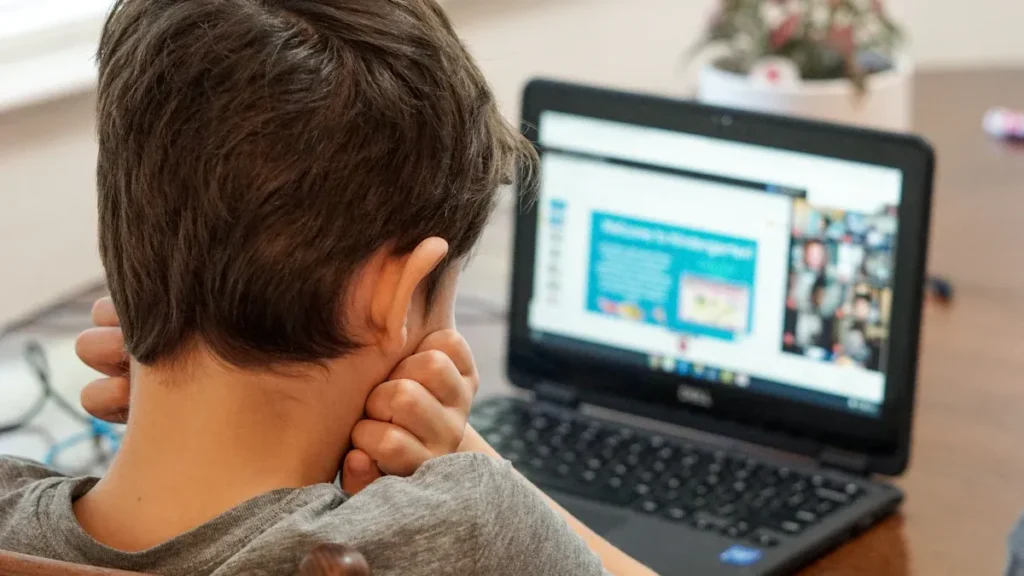
Online tools help you see how students learn and grow. You can use student data and analytics to make better teaching choices. These tools show patterns, track progress, and help every student.
Progress Monitoring
You want to know how students are doing all the time. Progress monitoring shows if students understand or need more help. Online platforms collect data like grades, attendance, and class participation. You can check skill growth and find learning gaps. You can see who needs extra support.
Here are things you can track with student data and analytics:
Attendance and class participation
Behavior and how students join in
Online activities and time spent on work
Special needs or extra help
Dashboards and reports help you watch progress over time. You can see who needs help and who is ready for harder work. This helps you change lessons and keep everyone learning.
Tip: Use progress data to celebrate small wins. When students see their growth, they feel proud and want to keep learning.
Goal Setting
Setting goals helps students take control of their learning. You can use data to help each student set clear goals. For example, a student might want to get better at math or read more books. Analytics help you make learning plans for each student.
Here are ways to use data for goal setting:
Look at past work and talk about strengths
Set clear, measurable goals for each student
Check in often to see if students are on track
Change goals as students learn more
Data helps you make learning paths and give helpful feedback. You help students see where they are and where they want to go. This helps students do well and feel confident.
Note: When you use student data for goal setting, you help students become active partners in their learning.
Educational Tools and Platforms
Online educational tools help your classroom feel more connected. You can use digital tools to help students work together. These tools support every student’s needs. They let you personalize learning for everyone. Students feel included when you use these platforms.
Collaboration Features
Working together is important in classrooms today. Many educational tools let students share ideas and work on projects. Students can give feedback to each other. You can use Formative, Showbie, and ClassFlow to help teamwork. Here is a table with some popular choices:
| Tool/Platform | Collaboration Features | Additional Notes |
|---|---|---|
| Formative | Real-time assessment, live student responses, targeted feedback | Good for 1-to-1 and BYOD classrooms |
| Showbie | Assignment collection, written and verbal feedback, class discussion | Works on desktop and mobile |
| ClassFlow | Interactive lessons, assessment, engagement | Free with marketplace resources |
| Classcraft | Lesson plans, engagement, progress tracking | Focuses on gamification |
Cloud-based platforms let students talk in groups and edit documents together. Students can chat online too. You can give feedback right away. You can also see how students are doing. These features help you make learning fit each student. Students learn to think and solve problems. They also learn to work as a team.
Tip: Try collaboration tools to help students talk and work together. This helps them feel part of the class.
Accessibility Options
Accessibility is important for all students. Many digital tools have features to help everyone. You can find text-to-speech and speech-to-text in most platforms. Closed captioning is also common now. These options help students who have trouble reading, writing, or hearing.
Text-to-speech reads words out loud. You can use Read Aloud or Immersive Reader.
Speech-to-text turns spoken words into writing. Google Docs Voice Typing works well.
Closed captions show spoken words as text in videos. YouTube and other systems have this feature.
AI technology adds live translation and real-time captions. Some apps even help with lip reading.
These features help make learning fit each student. Students can join in, no matter what they need. You help everyone do their best with the right tools.
Student Agency
You can help students take control of their learning. When students have a say, they feel more excited. They care more about what they learn. But how much choice should you give? Look at this table from a study about digital learning:
| Agency Level | Learning Outcomes (Normalized Gain) | Interest & Engagement | Emotional/Cognitive Stimulation |
|---|---|---|---|
| Low Agency | Highest gains, better than No Agency, a bit higher than High Agency | Higher interest and presence | More cognitive stimulation (confusion, frustration, joy) |
| High Agency | Slightly lower gains than Low Agency | Moderate interest and presence | Moderate cognitive stimulation |
| No Agency | Lowest gains | Lowest interest and presence | Least cognitive stimulation |
The table shows that some choice is best. Not too much, not too little. Students think harder when they have a voice. They feel more interested in class.
Self-Assessment
Self-assessment tools help students check their progress. You can use rubrics, checklists, or video reflections. These tools let students set goals and judge their work. Students decide what to fix or improve. When students reflect, they become more confident. They learn to be independent. Digital self-assessment uses audio or pictures too. Students can get feedback from you or classmates. AI tools can also give feedback. This makes learning personal. Students feel in control. Students need some digital skills to use these tools well.
Tip: Let students help make the rules for self-assessment. This helps them feel responsible and proud.
Digital Portfolios
Digital portfolios help students collect and share their work. Students add essays, videos, and projects. Portfolios show how much students have grown. Students can look back at challenges and wins. They set new goals for themselves. Here are some good things about digital portfolios:
Students get more freedom in their learning.
Portfolios help teamwork and creativity.
Students organize and review their work.
Sharing portfolios builds confidence.
Portfolios help students learn from mistakes.
You can help by giving clear examples and rubrics. This helps students focus on what matters most. The goal is lasting learning, not just using technology.
You can make learning more personalized by using technology to support your teaching, not replace it. Try these quick tips:
Use real-time data to adjust lessons for each student.
Let students choose how they show what they know.
Add interactive activities to boost engagement.
Give instant feedback to help students improve fast.
Try one new strategy this week and see how your students respond. Keep adapting and exploring new tools to help every learner succeed.
https://focusofwellness.com/index.php/2024/09/13/best-ai-powered-chatbots-for-customer-service/
FAQ
How do I start using online tools for personalized learning?
You can pick one platform like Google Classroom or Kahoot! Try a simple activity first. Ask students what they like. Watch how they respond. Change your plan if needed. You will learn what works best for your class.
What if my students have different technology skills?
Some students learn tech fast. Others need more help. You can show step-by-step guides. Use short videos or pictures. Pair students so they help each other. Give extra time for practice. Everyone will get better with support.
Can I personalize learning without spending money?
Yes! Many tools offer free versions. Google Docs, Padlet, and Quizizz work well. You can use videos from YouTube or free games. Try sharing resources with other teachers. You do not need fancy software to make learning personal.
How do I know if personalized learning is working?
You can check student progress with online reports. Ask students how they feel about lessons. Watch for more smiles and questions. If students finish work faster or show new skills, your plan is working. Keep asking for feedback.
What should I do if a tool does not fit my class?
You can try another tool. Ask students what they like or dislike. Look for features that match your goals. You can mix online and offline activities. The best tool is the one that helps your students learn and grow.